
Workflow Stop Tasks
Set up stop tasks to halt the flow of a run until a specific step is completed, so later work can't start before the right checkpoint is done.
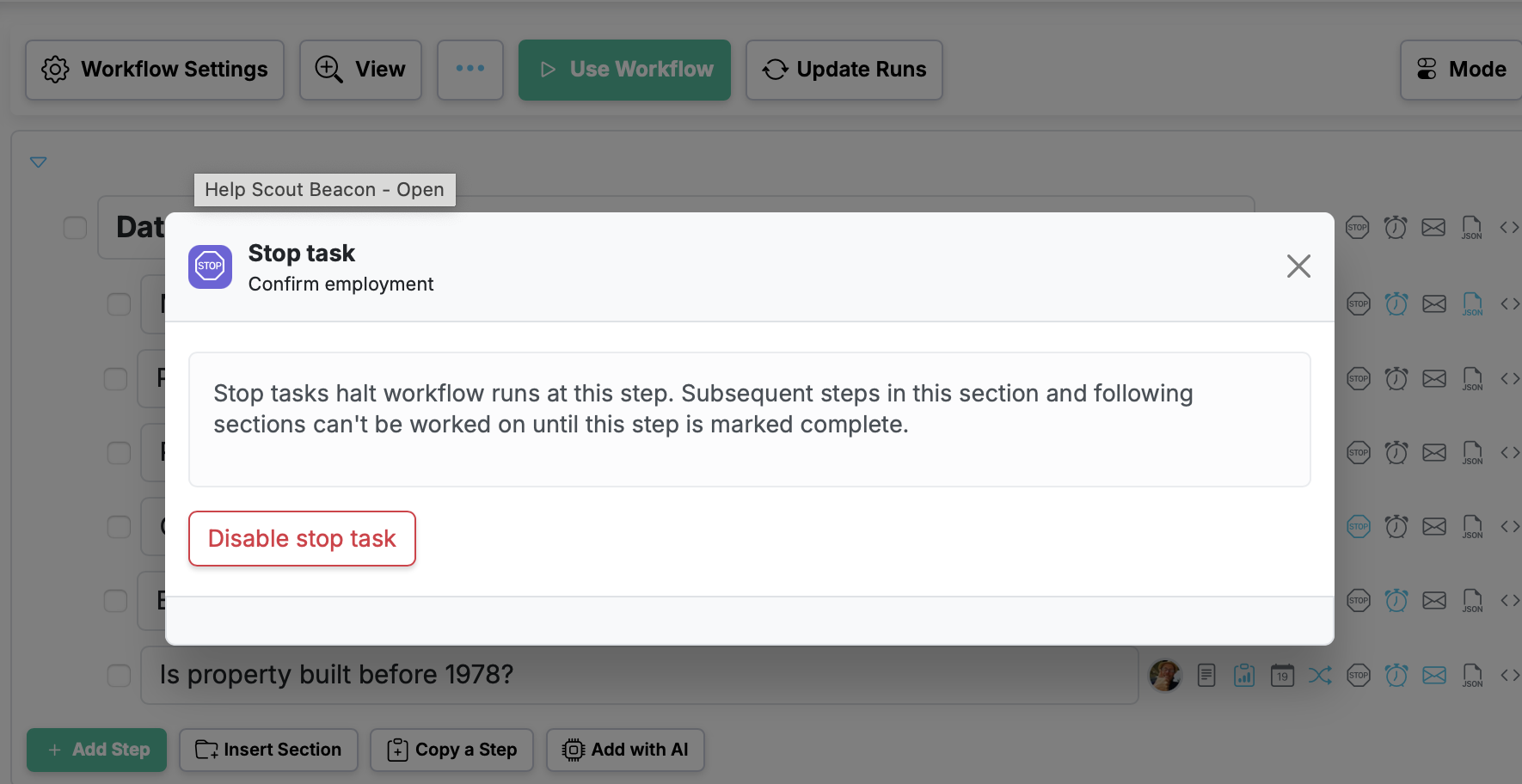
Stop tasks let you put a hard checkpoint in a run. When a step is marked as a stop task, the flow of the run pauses there — the steps that come after it stay locked until that step is completed.
Keep work in the right order
Some steps simply can't be skipped or worked around. With a stop task, you guarantee that a critical step — an approval, a review, a sign-off, a safety check — is finished before anyone moves on to the rest of the run.
Set it up in the workflow
Mark any step as a stop task when you build or edit your workflow. From then on, every run created from that workflow will stop the flow at that step until it's completed, so the right work always happens before the next phase begins.
Workflow Stop Tasks is live in every account
Open Manifestly to try it, or book a walkthrough with our team.