
New Feature: Workflow Stop Tasks
June 13, 2026
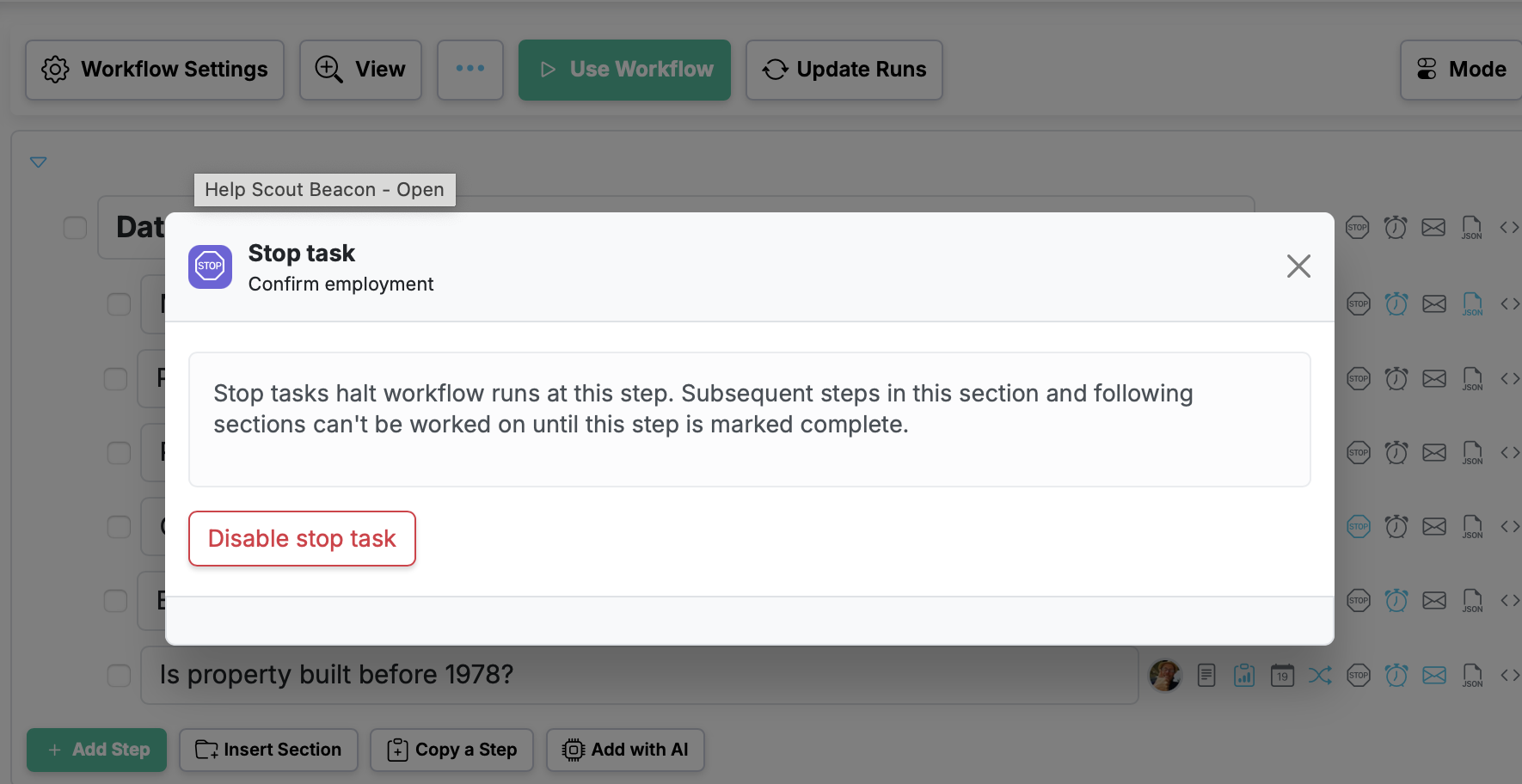
Some steps in a process just can't be skipped. An approval has to land before the work ships. A safety check has to clear before the next phase starts. A review has to happen before anything goes out the door. Stop tasks make that order non-negotiable.
What is a stop task?
A stop task is a step that halts the flow of a run until it's completed. When a step is marked as a stop task, the steps that come after it stay locked — the run can't move forward until that checkpoint is done.
Why it matters
Without a hard checkpoint, it's easy for people to jump ahead and start later work before a critical step is finished. Stop tasks close that gap. They make sure the right thing happens at the right time, every single time, on every run.
How to set it up
Mark any step as a stop task when you build or edit your workflow. From then on, every run created from that workflow will stop at that step until it's completed. No extra reminders, no manual policing — the workflow enforces the order for you.
See the full feature details for more.