
New Feature: Workflow Reporting — Late Steps, Data Export, and Health Checks
March 12, 2026
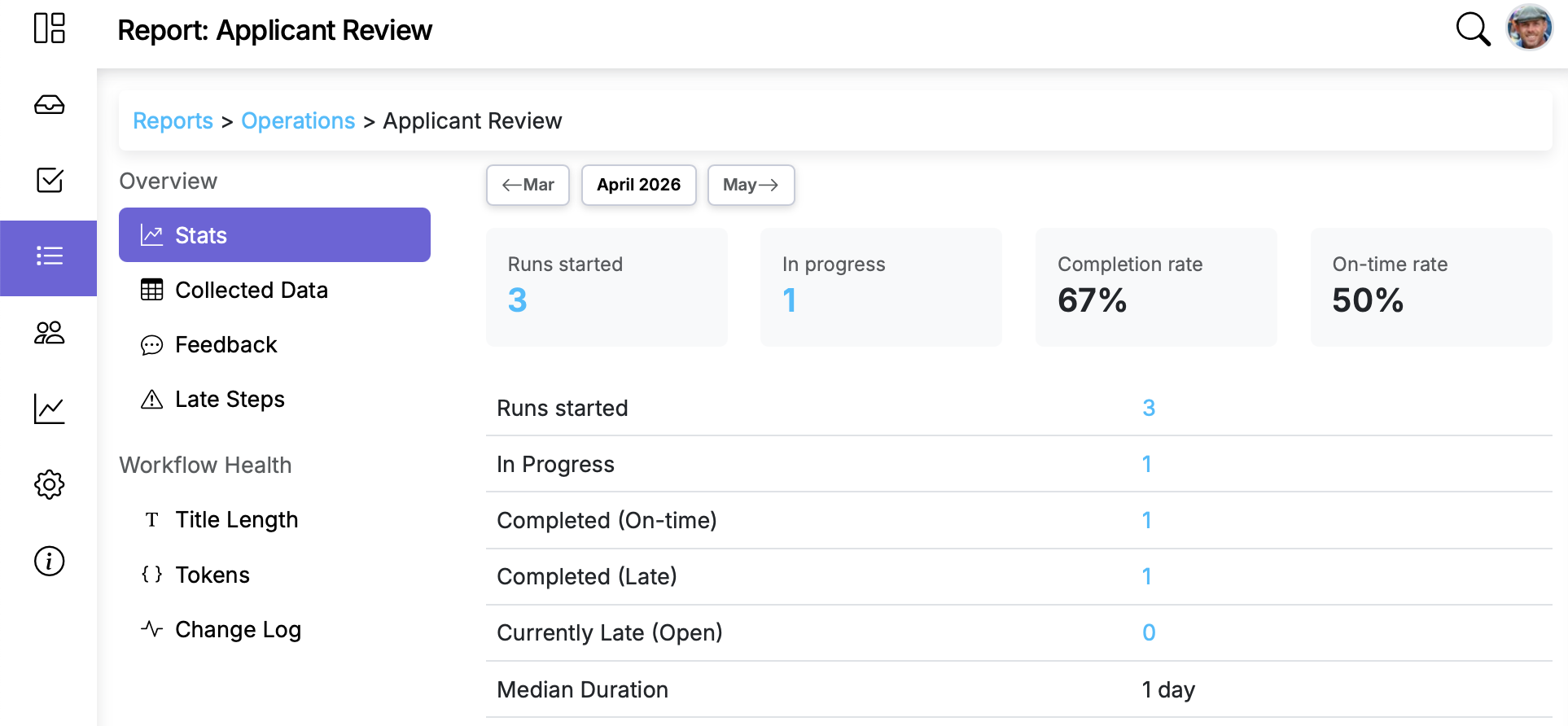
Building a workflow is one thing. Knowing whether it's actually working well is another. The updated workflow reports give you concrete data on performance, collected information, and workflow health — so you can spot problems before they become patterns.
Late Steps report
Which steps are consistently completed past their due date? The Late Steps report ranks steps by how often they're late within a date range, making it easy to identify recurring bottlenecks. Click into any step to see the specific runs where it was late.
This is especially useful for spotting steps where the due date is unrealistic, the assignment needs to change, or the step needs to be broken into smaller tasks.
Collected Data report
Every piece of data your team enters in runs — form fields, text inputs, dates, selections — is now viewable in a single table, filterable by date range. You can export it as a CSV for use in spreadsheets, reporting tools, or other systems.
If your workflows collect inspection results, customer information, or approval records, this report gives you direct access to that data without digging through individual runs.
Title Length Check
Long step titles get truncated in notifications, Slack messages, and mobile views — which can strip away the context your team needs. This report flags steps with titles that may be too long, so you can tighten them up before they cause confusion.
Token Check
If your workflow uses tokens like {{Customer Name}} or {{Address}}, the Token Check report verifies that every token referenced in your steps has a matching data field. Catch broken or misspelled tokens before they show up as blanks in a live run.
Putting it together
Together, these reports help answer questions that were previously hard to answer without manual investigation: Are our due dates realistic? What data have we collected this quarter? Are our workflows technically sound? Run them periodically — or any time you're about to roll out a workflow change — to keep your processes tight.
See the full feature details for a video overview.