
New Feature: Global Tokens for Workflows
January 28, 2026
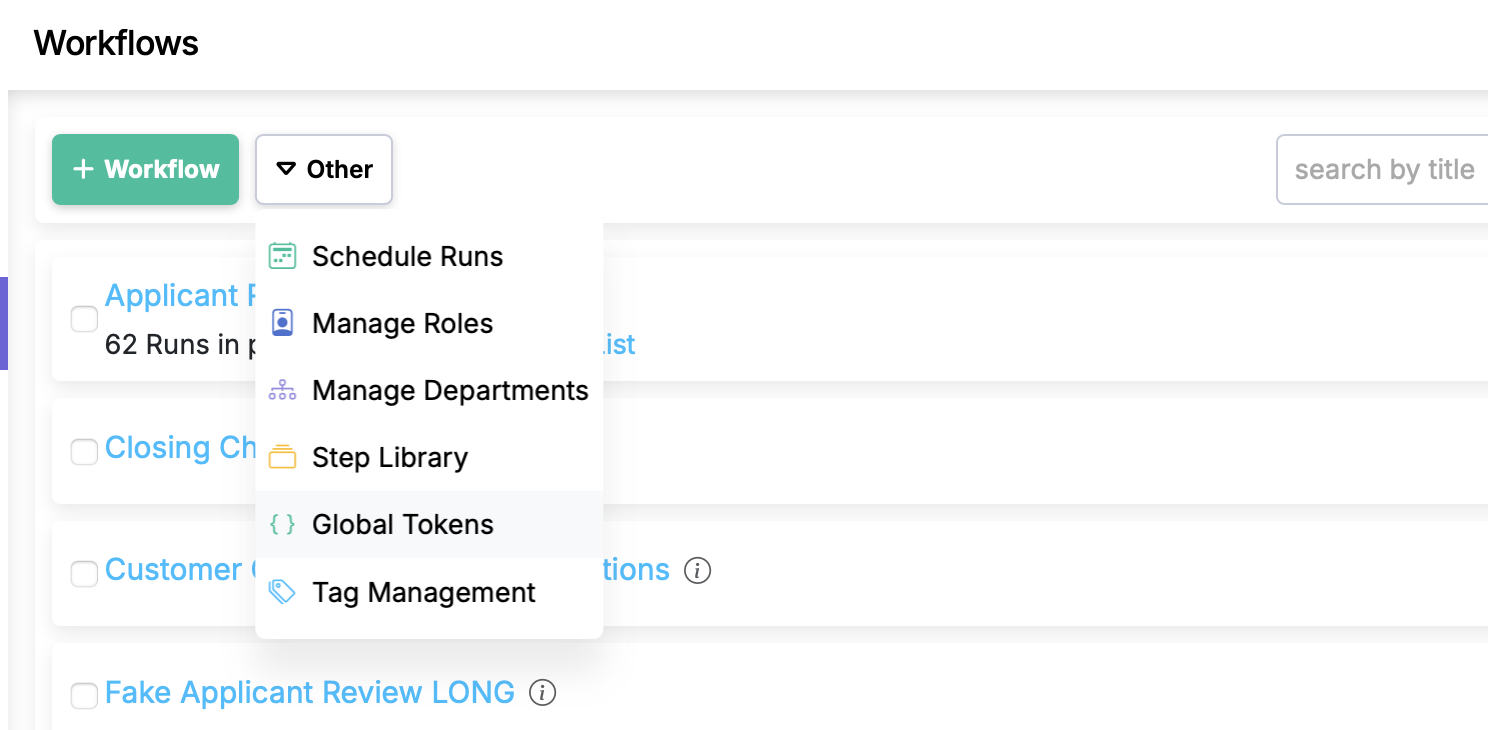
Workflow steps often reference values that are the same across many workflows — a support phone number, an office address, a link to a policy document. Until now, those values had to be typed (or pasted) into each workflow individually. When something changed, you had to track down every workflow that used it and update each one.
Global tokens give you a single place to define these shared values, and every workflow that references them picks up the current value automatically.
How global tokens work
- From the Workflows list page, choose Global Tokens from the Other menu.
- Create a token with a name and a value — for example,
help_center_phone_number=1-800-555-0199. - Use
{{help_center_phone_number}}in any workflow step, description, or webhook.
When the value changes, update it once in Global Tokens. Every workflow that references it gets the new value immediately — no edits needed.
Scoping
- Master department tokens are available across all departments.
- Department-specific tokens are scoped to workflows in that department only.
This lets you have organization-wide values (like a legal disclaimer) alongside department-specific ones (like a team lead's name).
Using tokens in the editor
Global tokens appear alongside step data tokens in the token picker when editing workflows. There's no separate syntax to learn — they use the same {{token_name}} format you're already familiar with.
Use cases
- Contact information — phone numbers, email addresses, escalation contacts
- Links — policy documents, knowledge base articles, external tools
- Standard text — disclaimers, greeting templates, compliance language
- Configuration values — SLA thresholds, account numbers, location codes
See the full feature details for more information.