
Manifestly is now a Claude Connector
Manifestly's MCP server has been accepted into Anthropic's Claude connector directory. Add Manifestly to Claude in a couple of clicks — then start runs, complete steps, reassign work, and even author new workflows just by asking.
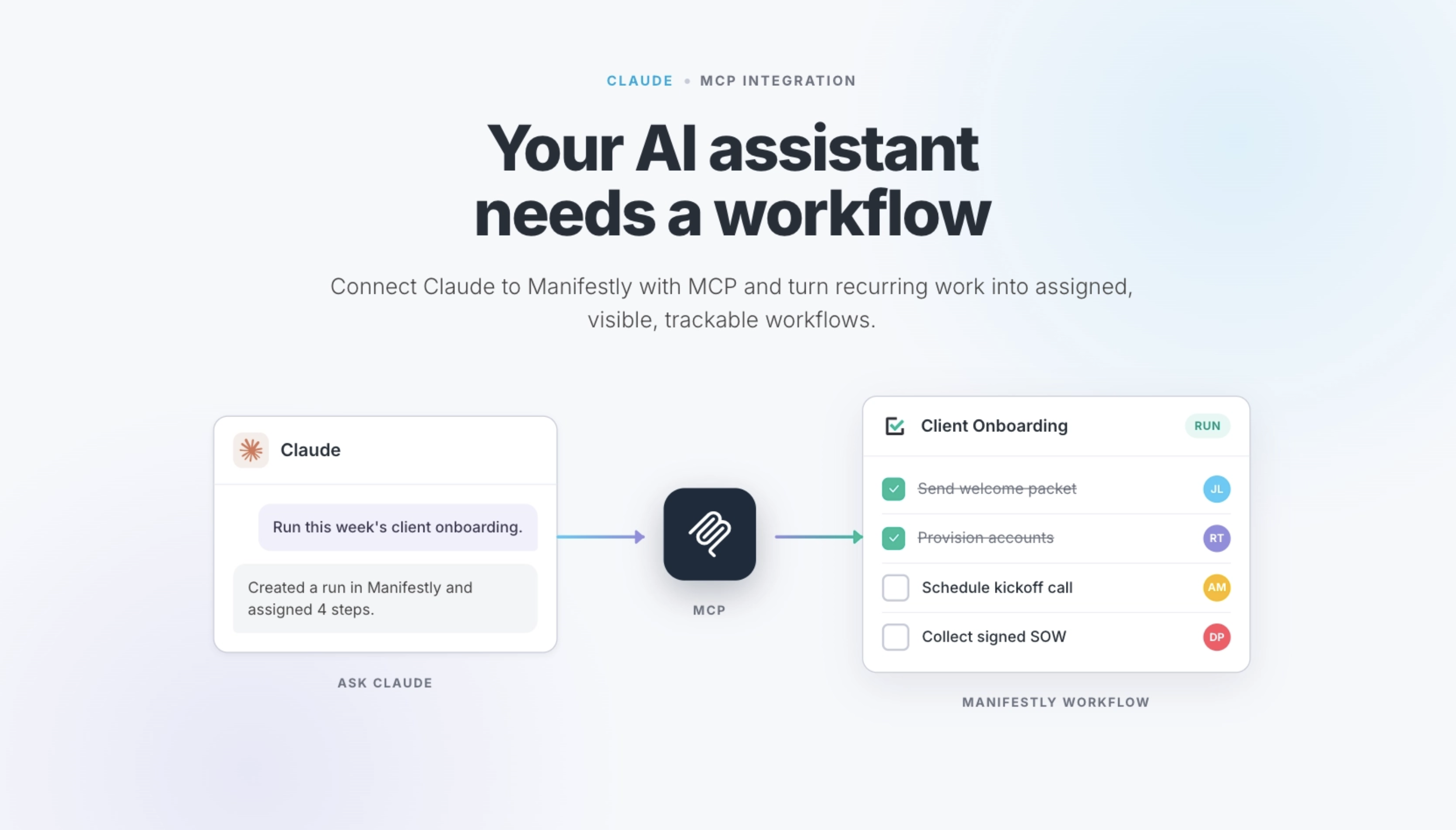
What this means
Manifestly's MCP server has been reviewed and accepted by Anthropic, and now appears as an official connector in the Claude directory. Instead of pasting in a custom endpoint, anyone on your team can find Manifestly in Claude's connectors, sign in with their Manifestly account, and start driving workflows in a couple of clicks.
Run it by asking
Start a run, complete or reassign a step, check what's overdue, or author a brand-new workflow from a description — all in plain language.
Scoped to you
OAuth 2.1, no API keys to share. Claude acts as the signed-in user and can only do what that person can do. Revoke access anytime.
Every flavor of Claude
The same connector works across Claude.ai, Claude Desktop, and Claude Code — the endpoint is mcp.manifest.ly.
Adding it takes about a minute
Open Connectors in Claude
In Claude.ai or Claude Desktop, open Settings → Connectors and browse the directory.
Add Manifestly
Find Manifestly in the directory and connect it — or add a custom connector with the endpoint mcp.manifest.ly.
Sign in and go
Authenticate with your Manifestly account through OAuth, and ask Claude to run your workflows.
Add Manifestly to Claude today
Open Manifestly to try it, or book a walkthrough with our team.